
Expense Tracking software
Expense tracking software enables businesses to oversee and control spending in real time. Unlike the traditional method of collecting paper receipts and managing manual spreadsheets. This technology simplifies expense management by automating data capture, organizing reports, and ensuring financial accuracy.
Expense software automates and simplifies the way businesses record, manage, and analyze spending. If you are running a small or large firm, adopting expense accounting software helps maintain clear financial records.
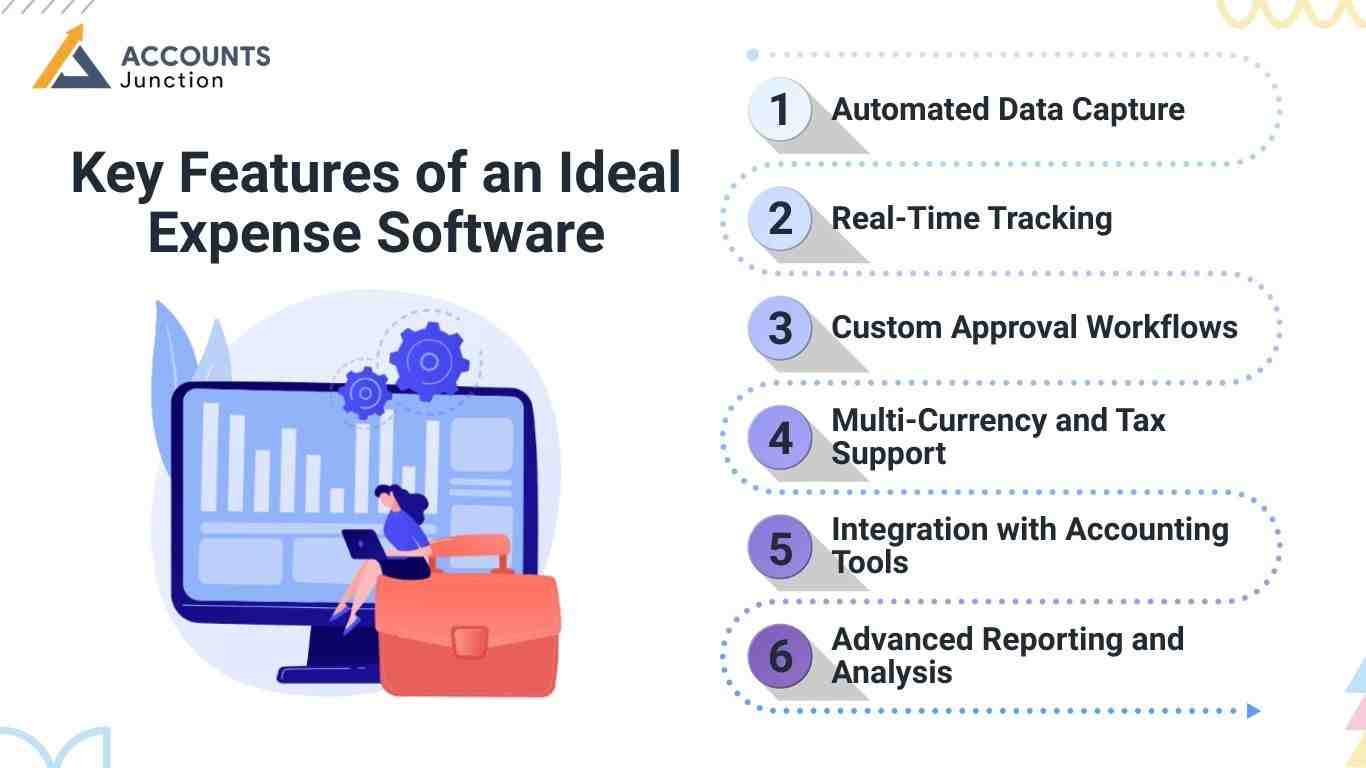
Key Features of an Ideal Expense Software
Not all tools work the same. When you choose expense tracking software, look for features that are easy to use and do the job well. Here are the must-have features of good expense software:
Automated Data Capture
- With expense tracking software, you don’t need to type every expense by hand. The best software lets you snap a photo of receipts or link your company card to add expenses automatically. This saves time and stops errors in data entry.
Real-Time Tracking
- This expense tracking software shows your costs as they happen. Whether it’s a client lunch or a flight booking, you see all transactions right away.
Custom Approval Workflows
- Approvals can be slow and tricky. Good software lets you set up automatic steps so the right team members get notified fast. This speeds up reimbursements and keeps spending under control.
Multi-Currency and Tax Support
- If your business works in more than one country, your software should handle many currencies and tax rules. It calculates exchange rates and applies the right tax laws. This cuts down on manual work and helps keep you compliant.
Integration with Accounting Tools
- Good expense tracking software should link with your accounting platform, like QuickBooks or Xero. This stops double entry, makes bank reconciliation easier, and keeps your books accurate with less effort.
Advanced Reporting and Analysis
- Good expense software offers more than just tracking spend. It gives clear insights with custom dashboards, filters, and reports. This helps you spot trends and find ways to save money.
How Expense Tracking Software Improves Financial Accuracy
Expense reporting software helps by reducing errors in claims and speeding up approvals. With real-time data capture and automatic syncing to your accounts, it keeps your books precise. Many tools also provide clear audit trails, which ease tax time and compliance checks. Using expense reporting software means fewer missed claims and better control of company spending.
Use Cases
Expense-tracking software isn’t just for big corporations. Businesses of all sizes and industries benefit from adopting the right tools. Here are the top use cases:
1. Startup and Small Businesses
- Startups need to monitor every penny. Using expense software helps them avoid overspending, stay lean, and prepare accurate records.
2. Remote and Hybrid Teams
- Managing costs for a remote team can be hard, but expense tracking software makes the process smooth. Expense tracking software with cloud access enables employees to upload receipts and track claims from anywhere.
3. Field Service and Sales Teams
- Professionals constantly on the move, like sales reps or field technicians, rely on mobile-friendly expense reporting software to submit travel, fuel, and accommodation expenses quickly.
4. Freelancers and Consultants
- Independent workers often juggle multiple clients and projects. Expense accounting software helps them separate personal and business expenses and simplifies tax filing.
5. Nonprofits and NGOs
- With strict budgeting and donor accountability, nonprofits use expense-tracking software to ensure transparency and comply with financial reporting standards.
6. Construction and Project-Based Businesses
- Companies that operate on a project basis need to monitor site-specific expenses. Expense software helps allocate costs correctly and track profitability.
7. Corporate Finance Teams
- Large organizations rely on expense accounting software to manage hundreds or thousands of transactions monthly. It ensures consistency, compliance, and audit readiness.
Common Challenges in Manual Expense Management
Using paper receipts and spreadsheets may work initially, but it becomes inefficient as your business grows. Manual systems create more problems than they solve. Here are some challenges and how expense tracking software helps to overcome them :
|
Topic |
Manual Expense Management (Problem) |
With Expense Software (Fix) |
|
Late Payments |
Staff wait weeks to get paid due to slow paper steps. |
Fast payments with auto steps and quick claims via the app. |
|
Duplicate or Missing Records |
Typing by hand causes errors like double charges or lost slips. |
Scans slips and adds costs to stop mistakes. |
|
Live Tracking |
Bosses see costs late and miss signs of overspending. |
See spend live, who paid, when, and where. |
|
Rules and Audit Risks |
Slips lost, no proof, audits hard to do. |
Digital slips and logs make rules easy to follow. |
|
Takes Too Long |
Filling forms and matching slips takes many hours. |
Do key tasks fast, like entry and sorting. |
|
No Central Place for Records |
Staff wait to get back to the office to add costs. |
One place stores all costs, easy to find. |
|
Going Over Budget |
Costs go up, but no one knows till reports come late. |
Alerts and limits help stop over budget early. |
|
Workers in the Field or Remote |
Staff wait to come back to the office to send claims. |
The mobile app lets staff send claims from any place. |
|
Small Firms and Startups |
Small teams find paperwork hard and slow. |
Cheap software helps small teams stay on top. |
|
Freelancers and Consultants |
Hard to split work and home costs using sheets. |
Sorts costs by client or job with ease. |
|
Nonprofits and NGOs |
Paperwork makes donor reports hard. |
Built-in tools keep reports clear and follow rules. |
|
Project and Site Costs |
Hard to track costs by job or site by hand. |
Assign costs to jobs or sites for clear tracking. |
|
No Reports or Insights |
Paper reports don’t show trends or help plan. |
Custom reports show trends and help save money. |
How to Choose the Right Expense Software for Your Business
1. Know Your Needs
First, find out what your business needs. Features like mileage tracking, many users, project-based costs, and multi-currency support can differ. Knowing what you need helps you pick the right tool.
2. Check Integration
Good software works with your current accounting tools like QuickBooks, Xero, or ERP. This cuts down on typing data by hand and makes work easy.
3.Pick Easy-to-Use Software
Choose expense tracking software that your team can learn quickly. It should have a simple design, easy buttons, and quick ways to add expenses.
4. Think About Mobile Use
If your staff work on the go, pick software that works well on phones. They can snap receipt pictures and add costs right away from anywhere.
5. Look at Price and Value
Price matters, but value is key. Find software that fits your budget and has the features you need to grow your business.
6. Check Support
Good support helps when problems come up. Pick software with fast help by chat, email, or phone. This keeps your work running smoothly.
At Accounts Junction, we provide comprehensive expense-tracking services tailored to your business needs. Our certified experts ensure smooth implementation and efficient management of your financial processes. No matter the size of your team or the scale of your operations, we deliver solutions that streamline expense management and maintain compliance with tax regulations. Partner with us to access reliable expense-tracking solutions delivered by certified experts tailored to your business needs.
FAQ's
1. What is expense tracking software?
- Expense tracking software is a digital tool that may help businesses record and manage expenses. It keeps spending organized and reduces manual work.
2. How does expense tracking software work?
- It captures receipt data, sorts costs, and updates records in real time. The system may also sync with accounting tools for smoother entries.
3. Why do businesses use expense tracking software?
- It can make tracking costs easier, faster, and more accurate. Many firms use it to reduce errors and improve spending control.
4. What features should good expense tracking software have?
- It may include receipt scanning, real-time tracking, approvals, and reports. These features help create a simple and reliable workflow.
5. How does expense tracking software help with audits?
- Digital logs store every claim in one place. This makes audits clearer and may reduce compliance stress.
6. Can expense tracking software improve financial accuracy?
- Yes, it may reduce data entry errors and missing receipts. Automated updates also keep records more precise.
7. Does expense tracking software support mobile use?
- Most tools offer mobile access for quick uploads. Staff can submit expenses from any location.
8. Can expense tracking software speed up reimbursements?
- Since approval flows become clearer, claims move faster. This helps employees receive payments on time.
9. Does expense tracking software work for remote teams?
- Yes, cloud-based tools help remote staff upload receipts instantly. Managers can review and approve claims with ease.
10. How does expense tracking software help with budgeting?
- It shows clear spending trends through reports and charts. This may help managers adjust budgets before issues grow.
11. Does expense tracking software support multi-currency expenses?
- Many platforms handle several currencies and tax rules. This is useful for teams working in many regions.
12. How does expense tracking software prevent lost receipts?
- Receipts get stored as digital images inside the system. They remain safe and easy to find when needed.
13. Can expense tracking software reduce fraud?
- Yes, because every claim comes with a clear audit trail. Suspicious entries become easier to spot.
14. Does expense tracking software help project-based businesses?
- It allows tagging expenses under specific jobs or projects. This may improve cost visibility and planning.
15. How does expense tracking software integrate with accounting tools?
- Most systems connect with apps like QuickBooks or Xero. This reduces double entry and keeps records aligned.
16. Is expense tracking software helpful for small businesses?
- Small firms may save time and avoid paperwork stress. It helps them manage costs without heavy processes.
17. Can expense tracking software support policy enforcement?
- Yes, it may flag entries that do not follow company rules. This keeps spending aligned with internal policies.
18. How does expense tracking software help managers?
- Managers see real-time spending updates in dashboards. This may guide better decisions and avoid overspending.
19. Does expense tracking software support team approvals?
- Approval paths can be set for each department. This makes the review process smoother and more consistent.
20. How can expense tracking software help freelancers and consultants?
- They may track client-wise expenses with simple tools. This leads to clearer billing and easier tax preparation.