
The Ultimate Guide to Online Accounting Software for Contractors
Managing money is one of the hardest tasks for contractors. Keeping track of income, bills, and payments while working on projects is not easy. This is where online accounting software for contractors can help. It gives tools to handle accounts fast and save effort.
Many contractors now prefer online accounting for contractors because it is easy to use. Unlike manual methods, online tools offer cloud access, live updates, and simple reports. Contractors can check their money from anywhere, making work smoother and faster.
Importance of online accounting software for contractors
Handling money manually is slow and risky. Here are key reasons contractors need online accounting software for contractors:
1. Easier Money Tracking
- Online tools let contractors log income and bills quickly. Manual methods often miss details and cause mistakes.
2. Fast Access to Data
- Online accounting for contractors gives live updates. Contractors can see their money status anytime.
3. Tax Help
- Taxes can be hard to manage. Software sorts bills and income to make filing less stressful.
4. Quick Reports
- Reports show profits, losses, and cash flow at one glance. No long calculations are needed.
5. Fewer Mistakes
- Automation helps in reducing human errors. Simple logging can save money and time at the year-end.
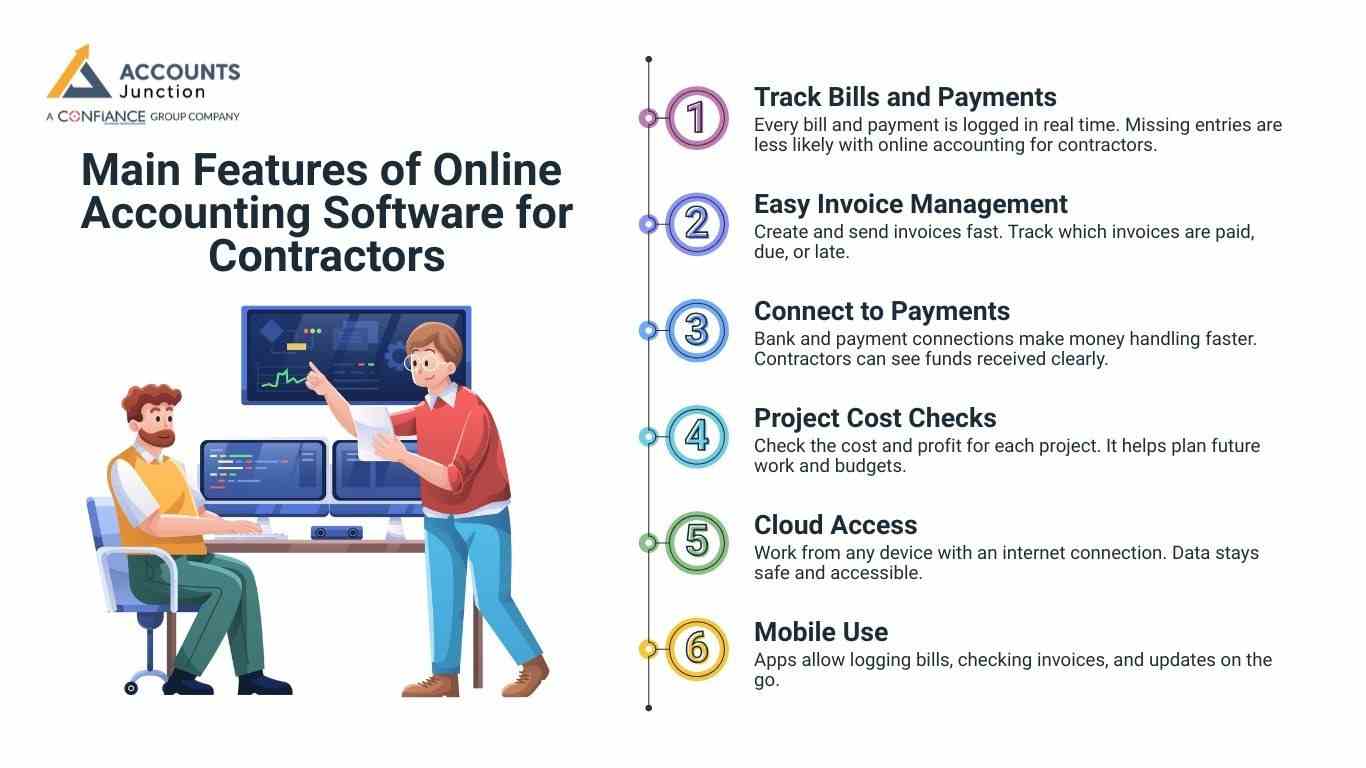
Main Features of Online Accounting Software for Contractors
Not all tools are the same. The following features are key in online accounting software for contractors.
1. Track Bills and Payments
- Every bill and payment is logged in real time. Missing entries are less likely with online accounting for contractors.
2. Easy Invoice Management
- Create and send invoices fast. Track which invoices are paid, due, or late.
3. Connect to Payments
- Bank and payment connections make money handling faster. Contractors can see funds received clearly.
4. Project Cost Checks
- Check the cost and profit for each project. It helps plan future work and budgets.
5. Cloud Access
- Work from any device with an internet connection. Data stays safe and accessible.
6. Mobile Use
- Apps allow logging bills, checking invoices, and updates on the go.
Top Benefits of Using Online Accounting for Contractors
1. Save Time
- Manual accounting takes hours. Online accounting software for contractors does repetitive tasks automatically.
2. Better Accuracy
- Errors in entries can cost money. Software ensures numbers are correct.
3. Simpler Tax Filing
- Properly logged bills and income make tax filing easier. Reports are ready to use.
4. Clear View of Finances
- See cash flow, unpaid bills, and project costs in one place.
5. Less Stress
- Knowing money is organized frees contractors to focus on work.
6. Grow with Business
- Software can handle more projects as the business grows without adding extra work.
How to Pick the Best Online Accounting Software for Contractors
Choosing software can feel hard. Look for key features in online accounting software for contractors.
1. Simple to Use
Complex systems slow work, so choose easy-to-use tools with clear menus. Simple interfaces speed tasks and reduce mistakes.
2. Flexible Options
Invoices, reports, and dashboards should be customizable. Each contractor has unique needs.
3. Safe and Secure
Data must be safe. Check for secure storage and password protection.
4. Works with Other Tools
Integrates with banks, payment apps, or other apps used at work.
5. Good Support
Reliable help is needed when issues appear. Look for 24/7 customer support.
How Contractors Can Start With Online Accounting
Switching to digital accounting may feel tricky. Follow these tips:
1. Clean Old Records
- Make sure past bills and payments are correct before moving to the software.
2. Learn Main Features First
- Start with bills, invoices, and reports. Extra tools can be learned later.
3. Automate Repeating Tasks
- Set recurring bills or invoices to reduce manual work.
4. Review Reports Often
- Weekly checks help avoid mistakes and surprises at month-end.
5. Keep Backups
- Even with cloud storage, save local copies. It protects data in emergencies.
Common Challenges Contractors May Face
Even good tools have small issues. Here are common ones:
1. Learning the Software
- Switching from manual logs to digital takes time and practice. With use, tasks become faster, errors drop, and money tracking improves.
2. Internet Needs
- Cloud software needs a connection. Slow internet can delay work.
3. Costs
- Subscriptions can be monthly or yearly. Pick plans that fit your business.
4. Security Concerns
- Data can face threats, so use strong passwords and two-step login. These steps keep your accounts safe and protect sensitive information.
5. Too Many Reports
- Some reports may be too detailed. Focus on what matters for decisions.
Best Practices for Contractors Using Online Accounting
1. Update Regularly
- Log bills and income as they occur. Consistent entries give accurate reports.
2. Separate Business and Personal Accounts
- Mixing accounts makes tracking hard. Use separate accounts for clarity.
3. Keep Software Updated
- Updates add security and new features and check updates regularly.
4. Use Mobile Apps
- Mobile apps help track money even while working on-site.
5. Get Professional Help When Needed
- Accountants or bookkeepers can help with complex entries or tax questions.
Features Often Missed by Contractors
1. Reminders
Alerts for unpaid invoices or upcoming bills.
2. Project Reports
See the cost and profit for each project.
3. Multiple Currencies
Useful for international clients.
4. Time Tracking
Log hours worked to bill accurately.
Business Planning with Online Accounting
Proper money tracking is more than writing down costs. It helps contractors plan work and buy needed items.
1. Budget Forecasting
Online accounting software for contractors shows costs for jobs. It shows which work makes the most cash fast.
2. Cash Flow Check
Contractors see which jobs spend too much money. Real-time data helps them spend money smart and fast.
3. Money Goals
With online accounting for contractors, setting goals is simple. Progress is clear, so plans stay on track daily.
4. Resource Planning
Contractors can plan for tools, hire help, or grow. Costs stay low when all money info is kept right.
Integration with Other Business Tools
Contractors often use many apps for daily work. Good online accounting software for contractors links well with them.
1. Project Management
Track hours and costs automatically with project tools. It cuts errors and saves time from manual tracking.
2. Payment Gateways
Accept payments fast and keep accounts organized clearly. All money is safe and easy to find in the system.
3. Inventory Tracking
Track all materials for each project clearly and fast. Contractors avoid shortages and plan purchases correctly.
4. Calendar Reminders
Schedule bill reminders and track deadlines to avoid late fees. Reminders help ensure timely payments and smooth daily work.
5. Efficiency Through Integration
Linking apps stops double work and avoids mistakes. Contractors save time and keep workflows smooth daily.
Advantages of Mobile Accounting
Most contractors spend time on-site or travel often. Mobile apps from online accounting for contractors allow updates instantly.
1. Log Expenses on the Go
Record costs right at the project site each day. This makes sure no spending is missed or logged late.
2. Send Invoices Fast
Send bills right after completing work for clients. Faster invoices help cash flow and client satisfaction quickly.
3. Check Payments Anytime
Review payments and cash flow from anywhere easily. Decisions are faster without going back to the office.
4. Track Time Easily
Log billable hours and work with mobile apps. It helps make accurate invoices and payroll records fast.
5. Real-Time Updates
Mobile access keeps records current and exact at all times. It cuts delays and helps contractors make smart choices.
Automation to Improve Workflow
Automation is a key feature of online accounting software for contractors. Routine tasks run without repeated manual effort or delay.
1. Recurring Invoices
Set invoices to repeat automatically for regular clients. It saves hours of repeated work each month.
2. Automatic Expense Sorting
Expenses are placed into the correct accounts without manual work. Errors from manual input are reduced with automation.
3. Payment Alerts
Get notifications for unpaid invoices or upcoming bills fast. Contractors can act quickly to avoid late payments or fees.
4. Report Generation
Reports are produced automatically every month or quarter without extra work. Insights on costs, profits, and projects are ready fast.
5. Time Savings
Automation cuts weekly paperwork hours for contractors. They can focus on work instead of financial tasks.
Cost Savings with Online Accounting
Investing in online accounting for contractors lowers business costs. Manual tracking or extra staff can be expensive monthly.
1. Lower Staff Costs
Software cuts need for extra bookkeeping or payroll help. Contractors spend less time managing accounts manually each week.
2. Track Bills and Materials
All bills and materials are logged clearly and on time. Mistakes like overpayment or late fees are easily avoided.
3. Better Profits
Accurate records support smart purchases and budget planning. Contractors can grow profits by controlling spending carefully.
Compliance and Record Keeping
Contractors must follow tax and legal rules properly. Online accounting software for contractors keeps records accurate and safe.
1. Digital Receipts and Invoices
Keep copies of all receipts and invoices digitally. It is easier to find records when needed fast.
2. Secure Tax Files
Store tax documents safely for audits or review. Paperless storage reduces clutter and gives fast access.
3. Audit-Ready Reports
Generate reports for audits or checks instantly and easily. Contractors can show clear proof of income anytime needed.
4. Lower Risk
Organized records cut errors and compliance risks fast. Contractors focus on work while the money stays accurate.
Environmental and Operational Benefits
Using online accounting software for contractors cuts paper use. Digital storage reduces waste and clutter in offices.
1. Cloud Access
Contractors can access records from any place instantly. Reports can be shared with staff or accountants quickly.
2. Collaboration and Efficiency
Digital tools improve teamwork between contractors and staff. Less paperwork allows more time for key project work.
Online accounting software for contractors helps track money, save time, and lower stress. Cloud tools give live updates and quick reports, making work easier.
Contractors can focus on projects without worrying about missed bills or wrong entries. Software grows with business and provides data for better money choices.
At Accounts Junction, we provide accounting and bookkeeping services for contractors. Our team ensures books stay clean, payments are reconciled, and records remain accurate. Partnering with us keeps financial management simple, organized, and stress-free.
FAQs
1. What is online accounting software for contractors?
- It is a tool to track money and bills with ease.
2. How does online accounting help contractors?
- It saves time and reduces mistakes in daily accounting.
3. Can contractors track project costs online?
- Yes, software lets users track each project’s cost separately.
4. Is online accounting safe for contractors?
- Yes, secure platforms use encryption and strong login protection.
5. Can software create tax reports for contractors?
- Yes, it sorts expenses and income for easier filing.
6. Do contractors need training for online accounting?
- Some training helps to use all software features correctly.