
Is Odoo Accounting User-Friendly for Non-Accountants?
Today, many businesses use digital tools to handle money tasks. One such tool is Odoo Accounting for Non-Accountants, which stands out for its simplicity and user-friendliness. It’s known for being simple and clear. Whether you have a new or growing business, Odoo can help. You don’t need to be an accounting expert. The tool is fast and easy to use.
Odoo isn’t just user-friendly accounting software. It’s also a flexible tool. It has a neat look, smart features, and a build-your-own setup. This makes it a good pick for people with little money skills. It cuts down on hard steps and boosts accuracy. This means your team can work with less pressure and more focus.
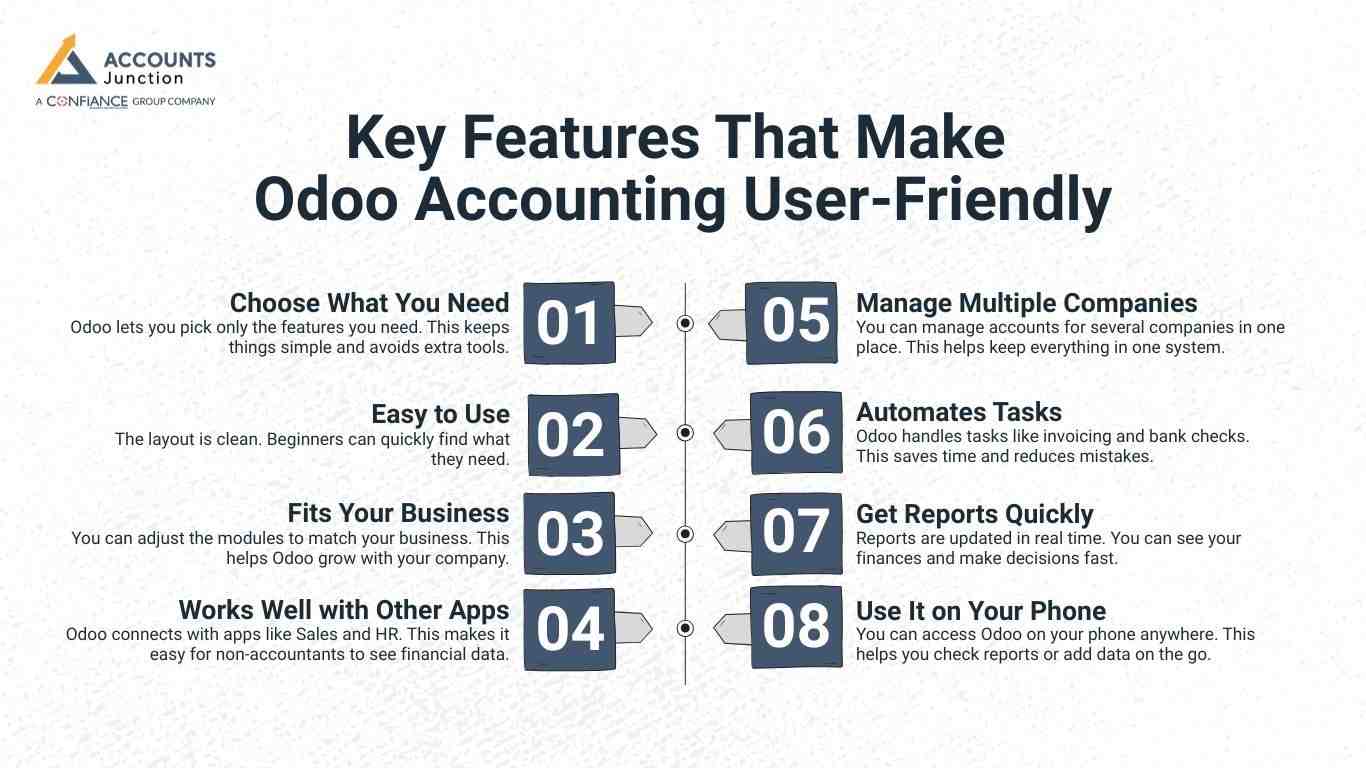
Key Features That Make Odoo Accounting User-Friendly
Odoo Accounting for Non-Accountants and Professionals provides easy-to-use features.
Choose What You Need
- Odoo lets you pick only the features you need. This keeps things simple and avoids extra tools.
Easy to Use
- The layout is clean. Beginners can quickly find what they need.
Fits Your Business
- You can adjust the modules to match your business. This helps Odoo grow with your company.
Works Well with Other Apps
- Odoo connects with apps like Sales and HR. This makes it easy for non-accountants to see financial data.
Manage Multiple Companies
- You can manage accounts for several companies in one place. This helps keep everything in one system.
Automates Tasks
- Odoo handles tasks like invoicing and bank checks. This saves time and reduces mistakes.
Get Reports Quickly
- Reports are updated in real time. You can see your finances and make decisions fast.
Use It on Your Phone
- You can access Odoo on your phone anywhere. This helps you check reports or add data on the go.
Traditional Accounting vs. Odoo Accounting with Non-Accountants: A Clear Comparison
When comparing traditional accounting methods with Odoo Accounting for Non-Accountants, it’s clear that the latter offers advantages in terms of usability and efficiency, especially for those without accounting expertise.
|
Feature |
Traditional Accounting |
Odoo Accounting |
|
Ease of Use |
Needs strong accounting knowledge |
|
|
Data Entry |
Manual input takes time and causes errors |
Automatic entries, smart matching, and bank links save time and reduce mistakes |
|
Accessibility |
Often tied to desktop tools or paper records |
|
|
Real-Time Insights |
Reports often come at the end of the month |
Dashboards and reports update instantly for quick choices |
|
Collaboration |
Limited to a few users |
Allows many users with roles and permissions |
|
Integration |
Rarely connects with other tools |
Works well with Odoo apps like CRM, Sales, HR, and Inventory |
|
Cost of Maintenance |
High. Especially with separate tools and paper files |
Lower cost with one all-in-one platform |
|
Help for Non-Accountants |
Offers little support |
Made for users with no accounting background |
|
Error Handling |
Needs manual checks and audits |
Sends real-time alerts and catches mistakes automatically |
How Is Odoo Accounting for Non-Accountants More User-Friendly?
Odoo isn’t just another tool. Its features are easy for both beginners and pros. Here’s how Odoo Accounting makes things simple for non-accountants:
Intuitive Interface
-
Odoo has a clean and easy layout. You don’t need accounting knowledge to use it. Menus, icons, and dashboards guide you step by step.
Dashboard Overview
- The dashboard shows key info like cash flow and unpaid bills. You get a quick view without digging through complex reports.
Automated Tasks
- Odoo takes care of tasks like tax checks, bank matches, and repeat invoices. This helps users avoid mistakes and save time.
Easy Document Management
- Upload and link receipts, bills, or invoices with just a few clicks. This cuts errors and speeds up reviews.
Real-Time Collaboration
- Teams and accountants can work together live. This means faster approvals and better teamwork.
Controlled User Access
- You can limit access for each user. Non-accountants only see what they need. This keeps key data safe but still accessible.
Pre-Configured Reporting
- Odoo comes with reports like income statements and balance sheets. They’re built-in and easy to read, even for beginners.
Common Mistakes Non-Accountants Make and How Odoo Prevents Them
Using complex software often leads to errors. Odoo Accounting keeps things simple. It works well for people with no financial skills.
Misreporting Tax Amounts
- Wrong tax amounts can cause legal issues. Odoo calculates taxes for you. This helps avoid mistakes and late filings.
Duplicate Entries
- Entering the same data twice can confuse your books. Odoo finds and blocks duplicates. Your records stay clear and correct.
Late Payments
- Missing payment dates hurt cash flow. Odoo sends alerts and follow-ups. This helps you pay and get paid on time.
Inaccurate Financial Reports
- Reports can be hard to make. Odoo gives you ready-made reports. It pulls real data, so the results are right.
Improper Bank Reconciliation
- Manually checking bank records is slow and prone to errors. Odoo links to your bank and suggests matches. That makes the job easier.
If you run a business and don’t know accounting, Odoo Accounting is a smart choice. It has simple tools like real-time dashboards and automation. These features save time and reduce stress.
The software is easy to use. You can handle your books without trouble. Whether you're just starting or growing, Odoo helps you work better. Accounts Junction provides accounting services using Odoo software. We have certified experts to ensure your accounting is accurate and efficient.
Why Non-Accountants May Prefer Odoo
Many non-accountants often feel overwhelmed by traditional accounting software. Odoo helps reduce this stress with its simple and intuitive layout. Users can easily see all finance tasks in one place, making the learning curve less daunting.
Key Benefits for Non-Accountants:
- Simple Interface: Clear menus and dashboards reduce confusion.
- Alerts and Reminders: Automated notifications help track deadlines and pending tasks.
- Confidence Without Prior Knowledge: Even beginners can feel in control of financial tasks.
- Time-Saving Automation: Recurring tasks like invoice generation or payment reminders can be automated.
- Focus on Growth: Teams can concentrate on expanding the business rather than spending hours on accounting details.
These features make Odoo a preferred choice for small and medium businesses, especially for those without an accounting background.
How Odoo Can Scale With Your Business
Odoo is designed to grow with your business, allowing you to start small and expand as needed.
Flexible Growth Options:
- Start with Core Modules: Begin with essential accounting tools like invoices and bank reconciliation.
- Add Features Over Time: Incorporate inventory, payroll, or sales modules as your business expands.
- Integrated System: New modules plug directly into your existing setup, eliminating the need to shift data or learn new software.
- Consistent Reporting: Reports remain accurate and easy to read, regardless of the modules added.
This scalability ensures your business can adapt and expand without major disruptions to your accounting system.
Tips for Non-Accountants to Get the Most from Odoo
Even beginners can use Odoo effectively by following a few simple best practices.
Recommended Tips:
- Start Small: Focus on core features first, such as invoices and bank reconciliation.
- Use Dashboards Often: Dashboards provide quick insights into trends and potential issues.
- Check Automation Rules: Ensure recurring tasks are configured correctly to avoid errors.
- Limit User Access: Non-accountants may only need access to certain modules, protecting sensitive data.
- Review Reports Regularly: Even automated reports should be periodically checked for accuracy.
Implementing these tips can make accounting tasks simpler and more reliable for non-accountants.
FAQ
1. Is Odoo Accounting easy for non-accountants to use?
- Yes, Odoo is designed for beginners. Its simple interface and pre-built reports make accounting tasks manageable.
2. How does Odoo Accounting simplify bookkeeping for beginners?
- It automates invoicing, bank reconciliation, and tax calculations. Non-accountants can manage books without deep accounting knowledge.
3. Can non-accountants generate reports in Odoo easily?
- Yes, Odoo has pre-configured dashboards and reports. Beginners may view income statements and balance sheets instantly.
4. Does Odoo Accounting reduce errors for non-experts?
- Yes, automated entries and real-time alerts may prevent common mistakes like duplicate records or incorrect taxes.
5. How user-friendly is Odoo for someone with no finance background?
- Odoo’s clean layout and guided menus make financial tasks easier. Users may complete transactions without confusion.
6. Can beginners handle bank reconciliation in Odoo?
- Yes, Odoo can link bank accounts and suggest matches. Non-accountants may reconcile faster and more accurately.
7. Is Odoo Accounting suitable for small business owners with no accounting skills?
- Yes, it may be ideal. Features like automation and simplified reporting help small business owners manage finances efficiently.
8. How does Odoo make tax filing simpler for non-accountants?
- Odoo calculates taxes automatically and generates reports. Users may avoid manual tax errors and missed deadlines.
9. Can non-accountants track payments and invoices in Odoo?
- Yes, the dashboard shows unpaid bills and pending invoices. Beginners can track cash flow without complex steps.
10. Is learning Odoo Accounting difficult for non-finance professionals?
- Not really. Its intuitive menus and clear workflows may reduce the learning curve significantly.
11. Can non-accountants manage multiple companies in Odoo?
- Yes, Odoo allows managing several accounts in one system. Beginners may keep separate books without confusion.
12. Does Odoo Accounting help non-experts avoid manual errors?
- Yes, automation for invoices, bank entries, and tax ensures fewer mistakes. Non-accountants may feel confident with data accuracy.
13. Can non-accountants access Odoo Accounting from mobile devices?
- Yes, it is cloud-based and mobile-friendly. Beginners may check accounts or upload receipts on the go.
14. How does Odoo improve efficiency for non-accountants?
- It automates repetitive tasks and provides instant reports. Users may spend less time on tedious accounting work.
15. Are Odoo Accounting reports easy to understand for beginners?
- Yes, dashboards show clear visuals and numbers. Even non-accountants may make informed financial decisions quickly.
16. Can non-accountants integrate Odoo with other business apps?
- Yes, it works with Odoo apps like Sales, Inventory, and HR. Users may see complete financial data in one place.
17. Does Odoo prevent duplicate or incorrect entries for beginners?
- Yes, it detects duplicates and highlights errors in real time. Non-accountants may maintain accurate records.
18. Is Odoo Accounting scalable for growing businesses without accountants?
- Yes, modules can expand as the business grows. Beginners may start small and add features gradually.
19. Can beginners rely on Odoo for financial oversight?
- Yes, dashboards and alerts may help track cash flow, expenses, and invoices. Non-accountants may monitor finances confidently.
20. Does Odoo make accounting less stressful for non-experts?
- Yes, automation, simple layouts, and pre-built reports reduce complexity. Beginners may focus more on business growth than numbers.