
What are the advantages and disadvantages of cloud accounting?
Cloud accounting has emerged as a game-changer for businesses, providing various benefits in this world of technology and innovation. However, as with every breakthrough, there are certain downsides. Let's look at the main advantages and disadvantages of cloud accounting.
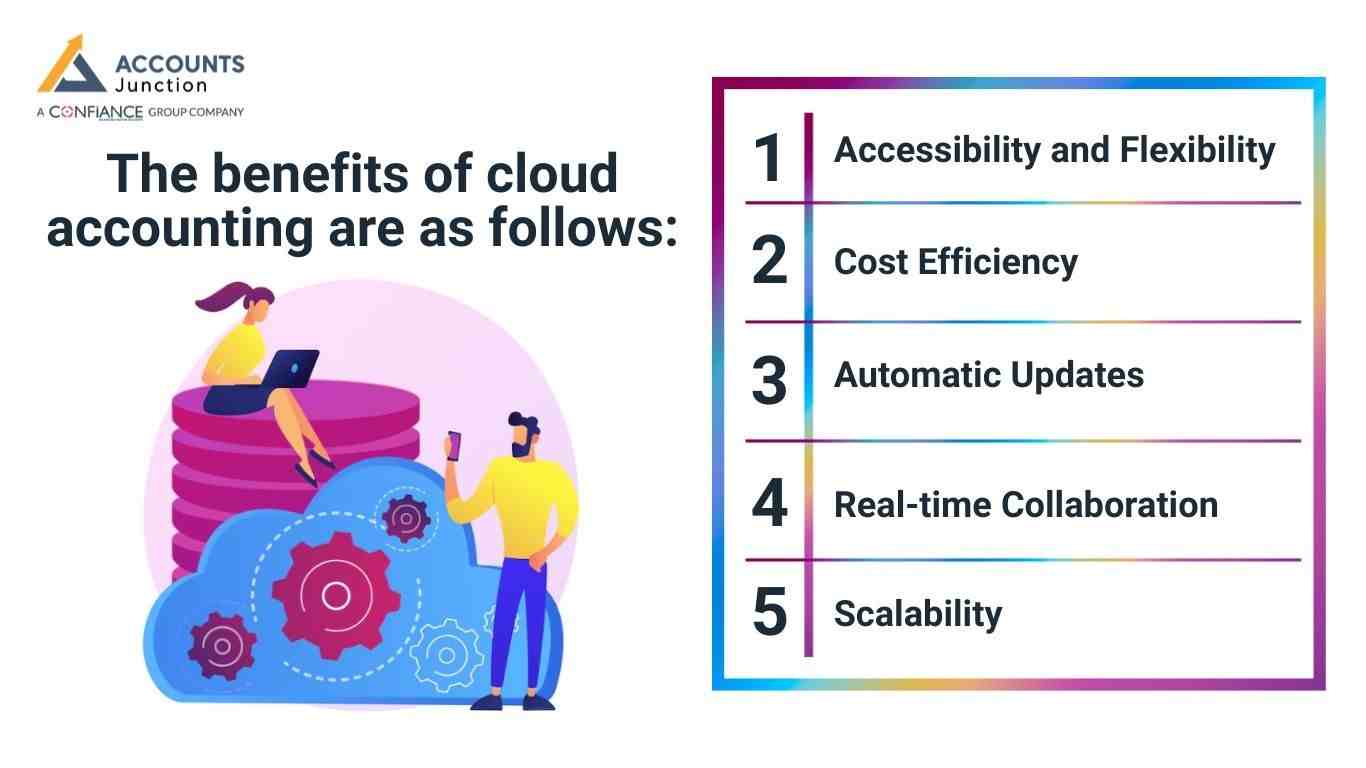
The benefits of cloud accounting are as follows:
Accessibility and Flexibility:
Cloud accounting offers exceptional accessibility and flexibility, enabling users to access financial data from anywhere with an internet connection. This flexibility is especially useful for firms with remote or distributed staff, as it allows for collaborative work without geographic boundaries.
Cost Efficiency:
Traditional accounting software frequently necessitates large initial investments and continuous maintenance costs. Cloud accounting, on the other hand, is often delivered through a subscription model, removing the need for costly installations and updates. This cost-effective technique is especially beneficial to small and medium-sized businesses (SMEs) with restricted budgets.
Automatic Updates:
The cloud accounting software is constantly updated by providers, ensuring that users have access to the most recent features and security improvements. This eliminates the need for manual upgrades, allowing businesses to focus on their core activities while gaining the benefits of an evolving system that meets industry standards.
Real-time Collaboration:
Cloud bookkeeping encourages real-time cooperation between team members and external stakeholders. Multiple users can collaborate on the same set of financial data, improving communication and lowering the risk of errors associated with manual data transfers. This collaborative environment promotes effective decision-making processes.
Scalability:
The cloud bookkeeping systems are extremely scalable, adjusting smoothly to the changing needs of enterprises. As businesses grow, they may quickly update their subscription plans or introduce new services without requiring extensive IT infrastructure upgrades. This scalability is especially useful for start-ups and fast-growing businesses.
The disadvantages of cloud accounting are as follows:
Dependence on Internet Connectivity:
One of the main drawbacks of cloud accounting is its reliance on a consistent internet connection. Users in areas with unstable internet access may encounter disruptions, limiting their ability to obtain critical financial data and complete necessary accounting procedures.
Data Security Concerns:
While cloud providers use strong security procedures, some firms are hesitant to transfer critical financial information to external servers. Concerns about data breaches and illegal access can discourage some firms from implementing cloud accounting systems.
Subscription Costs over Time:
While the subscription model eliminates upfront costs, the long-term expenses may exceed the one-time cost of traditional accounting software. Businesses should carefully consider the long-term financial ramifications of recurring subscription prices.
Customization Limitations:
The cloud bookkeeping software may not always meet the individual requirements of each firm. While providers offer a variety of capabilities, customization may be limited. This might present difficulties for businesses with unusual or sophisticated accounting obligations.
Potential Downtime:
Despite efforts to maintain continuous service, cloud bookkeeping solutions may face downtime owing to server difficulties, maintenance, or unexpected technical glitches. Businesses must plan for the possibility of temporary delays in their accounting procedures.
Impact of Cloud Accounting on Daily Operations
Cloud accounting may change the way daily tasks move across a firm. Simple tasks like bill entry, report checks, and bank matching may take less time with cloud accounting. Staff may notice fewer delays because they do not wait for file transfers.
Managers may track day-to-day numbers in real time. This may help them act early when they see issues. The faster flow may also reduce stress during the month-end or year-end.
Some teams say that the cloud brings more order to their day. Since all data sits in one clean space, it may reduce confusion and keep tasks aligned.
Cloud systems may also reduce manual data entry. With links to banks and apps, data may flow in automatically. This may lower errors and give staff more time to work on planning and review.
Role of Cloud Accounting in Cash Flow and Forecasting
Cloud tools help firms track cash with more speed and clarity. Each view supports smart plans and reduces risk.
1. Better Cash Flow Insight
- Cloud accounting systems show live charts for cash in and cash out.
- Teams track cash trends with one clear screen.
- Fast checks help staff act early on cash needs.
2. Strong Support for Cash Planning
- Cash shifts become easy to read with real-time data.
- Firms plan buys, dues, and key spends with more care.
- Early alerts help avoid cash gaps and delays.
3. Easier and More Accurate Forecasting
- Forecasts use fresh data pulled from daily tasks.
- Clean reports reduce guess work and build trust in numbers.
- Teams use clear facts to guide future plans.
4. Quick Access to Key Reports
- Cloud tools offer instant reports on cash, dues, and sales.
- Managers view all trends in one safe space.
- Fast reports help firms stay ready for change.
5. Better Control of Cash Risks
- Cloud tools flag risky trends before they grow.
- Cash leaks show up fast through live alerts.
- Reliable insight helps cut loss and protect cash.
6. Improved Decision Support
- Leaders use real-time numbers to judge each step.
- Clear data helps time buy and plan new moves.
- Smart choices support steady growth.
Use of Cloud Tools for Remote and Distributed Teams
Cloud systems keep remote teams aligned, fast, and ready to work from any place.
1. One Shared Space for All Tasks
- Users enter and view each record in seconds.
- All data stays in one clean and safe space.
- Teams follow the same steps for each task.
2. Smooth Work for Remote Staff
- Remote teams work at the same pace as office teams.
- Managers track work and progress from any place.
- Quick checks help keep tasks on time.
3. Better Onboarding and Process Control
- New staff learn from one neat guide inside the tool.
- Staff follow the same workflow across the firm.
- Each step stays clear and easy to repeat.
4. Real-Time Team Updates
- All users see changes right when they happen.
- Shared access reduces mix-ups in tasks and data.
- Teams stay aligned on each update and action.
5. Secure Access From Any Place
- Cloud tools use safe login steps for each user.
- Teams work from home, office, or travel spots.
- Data stays safe while still easy to reach.
6. Faster Review and Approval
- Bills, notes, and files reach managers in seconds.
- Approvals run faster with clear, real-time paths.
- Workflows stay smooth even with large teams.
For expansion and development of your business entity with qualified and experienced bookkeepers, get in touch with Accounts Junction, a CPA outsourcing firm that offers certified bookkeepers in addition to a variety of other accounting services.
FAQs
1. How may cloud accounting support a small firm?
- Cloud accounting may give quick access to live books and cut large start-up costs. A small team may also work with ease on one clean view.
2. Can cloud tools help with cash checks?
- They may show live cash flow and clear trends. This may guide smart plans for the next steps.
3. Why may firms pick cloud books over old tools?
- They may want easy access and smooth updates. Some also like the soft cost model.
4. Does cloud storage keep data safe?
- Most services may use strong locks and strict rules. Still, each firm may judge the risk based on its needs.
5. Can cloud tools work for remote teams?
- Teams in far spots may share one view with no wait. This may keep tasks neat and free of gaps.
6. What may cause cloud tools to slow down?
- A weak network link may hold back access for a while. Service care may also bring short stops.
7. Do cloud tools need tech staff?
- Many tools may run with no deep tech skills. Updates may come from the service side.
8. Can cloud plans scale with firm growth?
- Plans may shift as teams grow or add new work. A firm may add more parts with ease.
9. Why do some firms fear cloud tools?
- They may fear data risk or long-term fees. Old habits may also shape such views.
10. May a cloud system blend with other tools?
- Most cloud accounting plans may blend with apps for bills or sales. This may make daily tasks feel less hard.
11. Do cloud plans cost more over time?
- Long use may stack fees past old one-time tools. A firm may check long-term needs before it picks one.
12. Can cloud books help during tax time?
- Clean sums may stay in one space all year. This may cut stress when tax work comes.
13. How may cloud tools help new staff?
- A shared view may teach them fast. They may learn each step with less guesswork.
14. Do cloud tools work on phones?
- Many cloud bookkeeping apps may run well on phones or tablets. This may help teams work on the move.
15. Can cloud books cut human errors?
- Shared live sheets may block copy slips. People may see each line as soon as it is set.
16. Can a firm move old data to the cloud?
- Most services may bring tools to shift past sums. A short check may keep all data clean.
17. What support may cloud services give?
- Teams may get chat help or call help at all hours. This may fix small issues fast.
18. Can cloud tools help with long-term plans?
- Live trends may guide clear growth calls. A firm may map new goals with real-time sums.
19. Do cloud books work for large firms?
- Large teams may use deep parts of a cloud bookkeeping tool. Such tools may hold wide trade lines with ease.
20. Can cloud tools guide safe data use?
- They may show logs that track who sees what. This may keep data use fair and clear.